How to Turn Any Modern Photo into an Authentic 1980s Retro Portrait

Every decade has its signature visual language. The 1970s had warm sepia polaroids, the 1990s had disposable camera flash and grunge, but the 1980s was the golden zenith of analog color photography.
Between Kodachrome 64, consumer 35mm SLRs like the Canon AE-1, and dedicated high-street photo studios, 1980s portraits possessed a charm that modern multi-lens smartphones simply cannot reproduce natively.
In this guide, we walk you through the entire transformation process - from selecting your initial picture to outputting an authentic vintage print.
Step 1: Pick the Ideal Source Photo
The secret to a jaw-dropping retro portrait lies in the quality of your input image:
- Look for Eye-Level Angles: High angle 'selfie sticks' or extreme low angles immediately look modern. Classic 80s studio portraits were captured between 50mm and 85mm focal lengths at direct eye level.
- Ensure Clear Eyebrows and Eye Contours: The eyes are the biometric anchor of human facial recognition. Make sure hair or sunglasses do not obscure your eye anatomy.
- Avoid Heavy Modern Beauty Filters: If your input photo has aggressive smoothing or artificial digital makeup, the AI may struggle to blend natural 35mm film grain onto your skin.
Step 2: Choose Your 1980s Aesthetic Archetype
The 1980s was not a monolith. Pick the archetype that fits your personal vibe:
| Style Archetype | Hallmark Wardrobe | Lighting & Atmosphere |
|---|---|---|
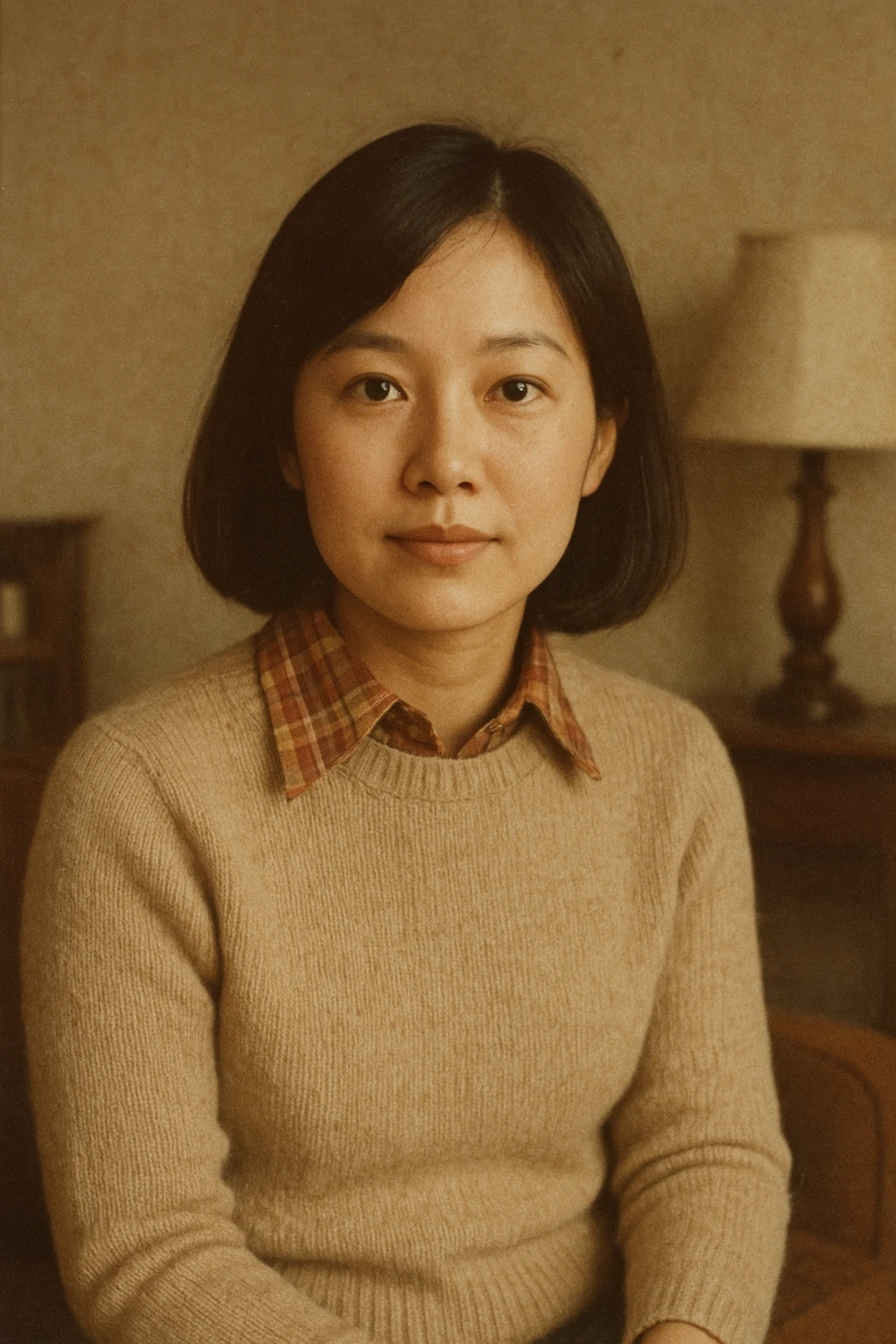
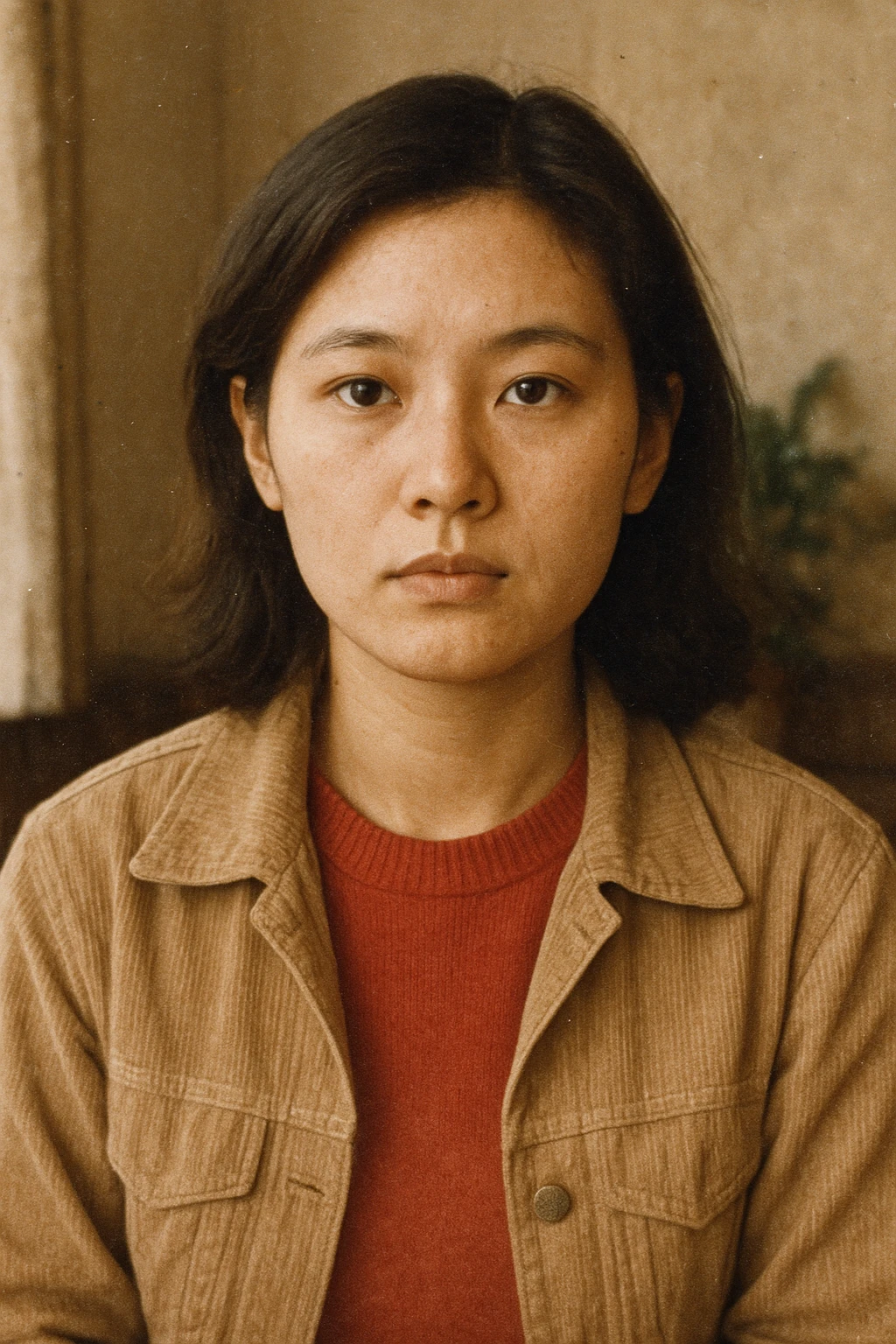
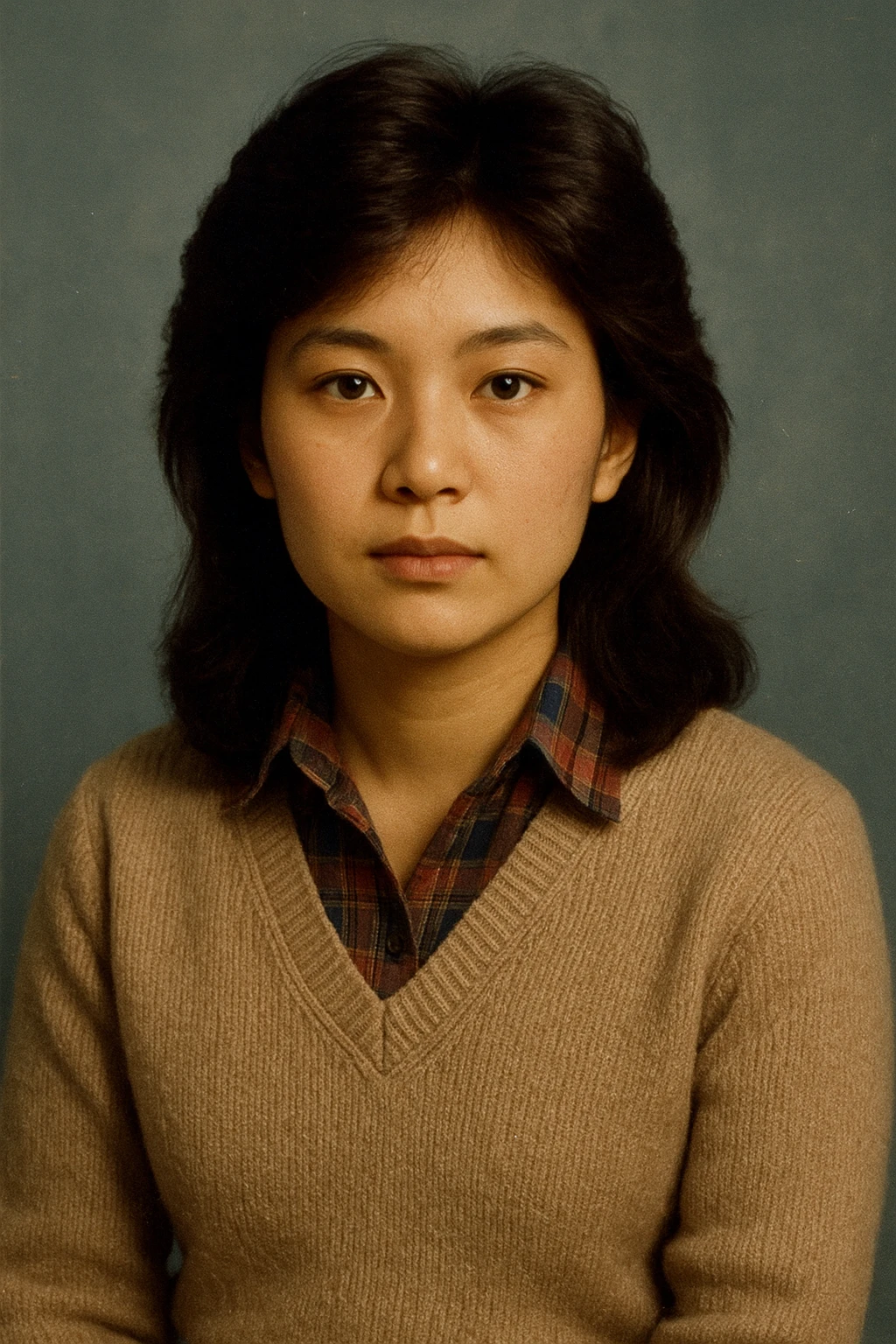
| Classic Studio | Turtleneck, corduroy blazer, structured shoulder pads | Diffused umbrella softbox, painted canvas gradient backdrop |
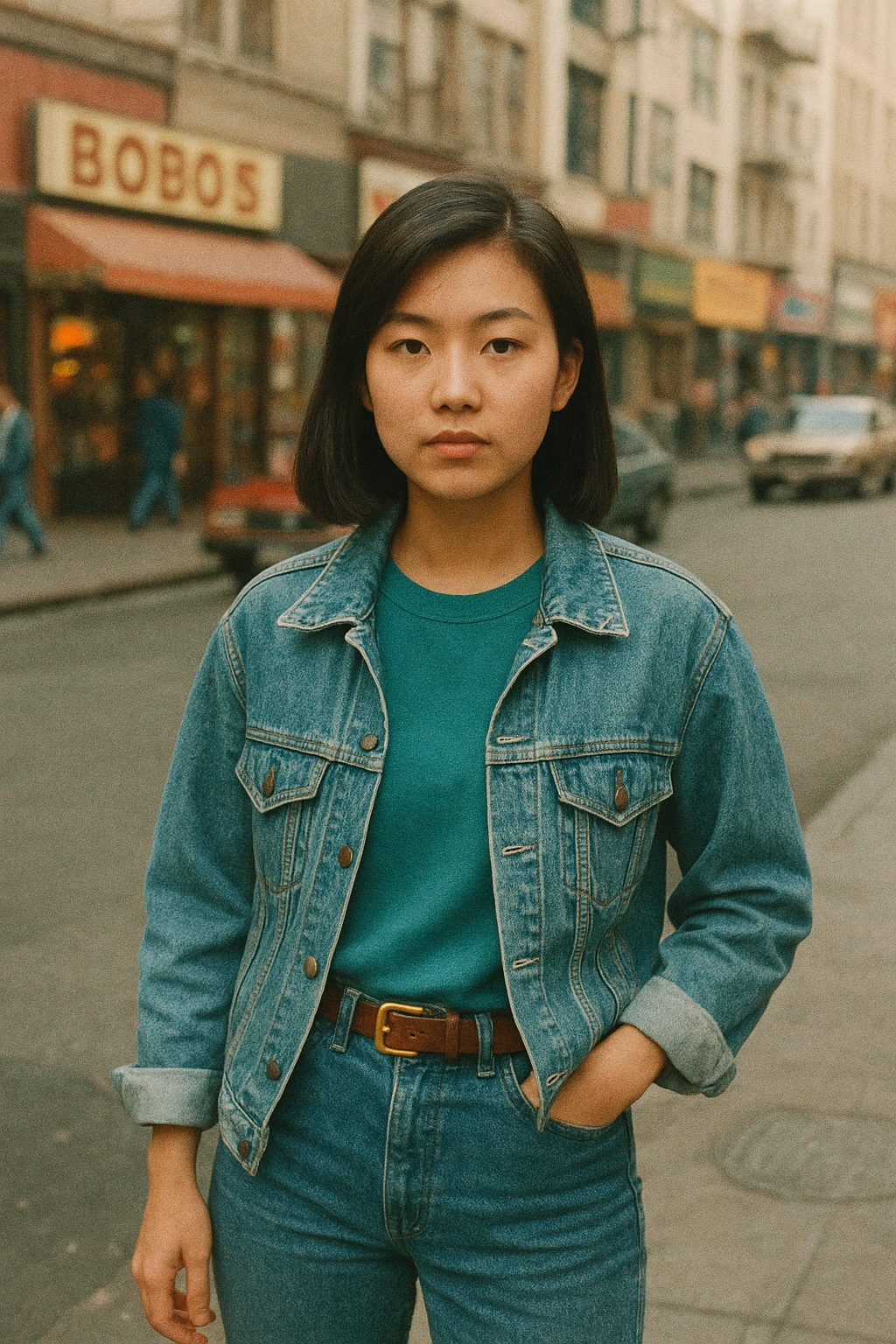
| Street Style | Double-denim, acid-wash trucker jacket, leather belt | Direct golden hour sunlight, hood of vintage sedan |
| Bollywood Star | Silk kurta, satin shirt, retro aviators, voluminous blowout | High-contrast dramatic key light, cinematic atmosphere |
| College Student | Varsity bomber, collegiate typography, layered polo | Outdoor campus brick walls, natural candid sunlight |
Step 3: Dial in Analog Film Physics
Authentic 80s photos were not generated by algorithms; they were chemical reactions on emulsion paper. Make sure your output incorporates these three analog signatures:
- Lifted Shadow Curves: Analog darkroom paper never rendered pitch-black (#000000). Deep shadows rested in dark charcoal, espresso, or warm indigo tones.
- Subtle Optical Halation: High-contrast boundaries (such as a white collar against a dark backdrop) displayed a faint reddish-golden glow known as halation, caused by light reflecting off the camera film backplate.
- The Iconic Date Stamp: Compact 35mm point-and-shoots from Olympus, Minolta, and Yashica popularized the quartz data back, burning yellow-orange LED digits directly into the bottom-right corner.
Step 4: Generate Your Portrait with TrendX
Instead of tweaking complex command-line prompts, TrendX does all the heavy lifting automatically:
- Visit TrendX and upload your photo.
- Select your preferred style (e.g., Classic 1980s Studio or Retro Street-Style).
- Complete the quick ₹10 Razorpay checkout.
- Download your high-resolution portrait ready for Instagram, WhatsApp DP, or print framing!
Written by Saurabh Kumar
CreatorCreator of TrendX.fun, Explayner.video, and ZoopTool.com
Connect on LinkedInFrequently Asked Questions
What kind of photo works best for a 1980s retro conversion?
A clear, well-lit portrait photo taken at eye level works best. Natural daylight, neutral facial expressions, and unobstructed hair contours yield the most believable 1980s transformations.
Can group photos be converted to 1980s portraits?
While single-subject portraits achieve the highest facial likeness, couple photos (such as couple street-style or wedding portraits) can also be transformed if both faces are clearly visible.