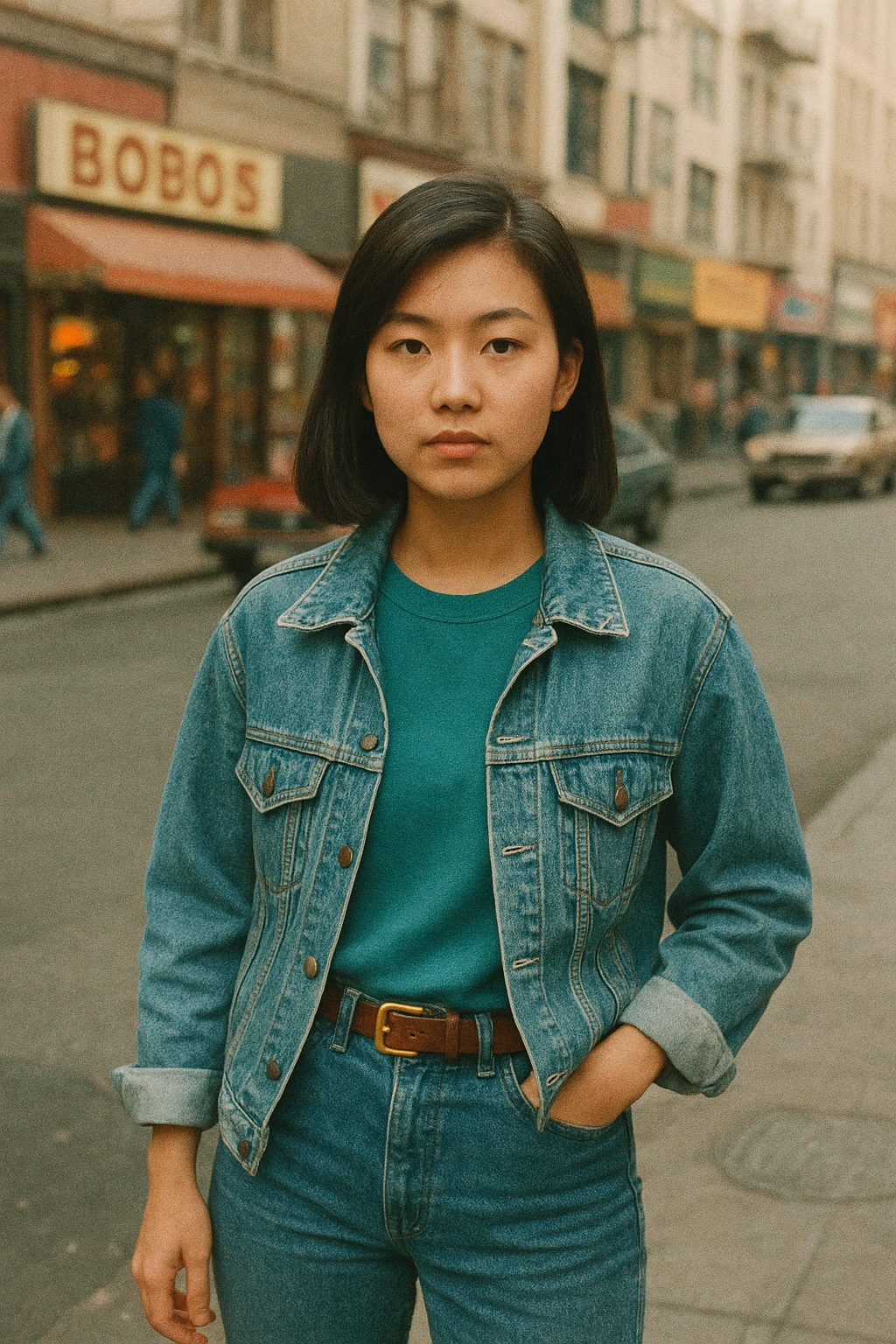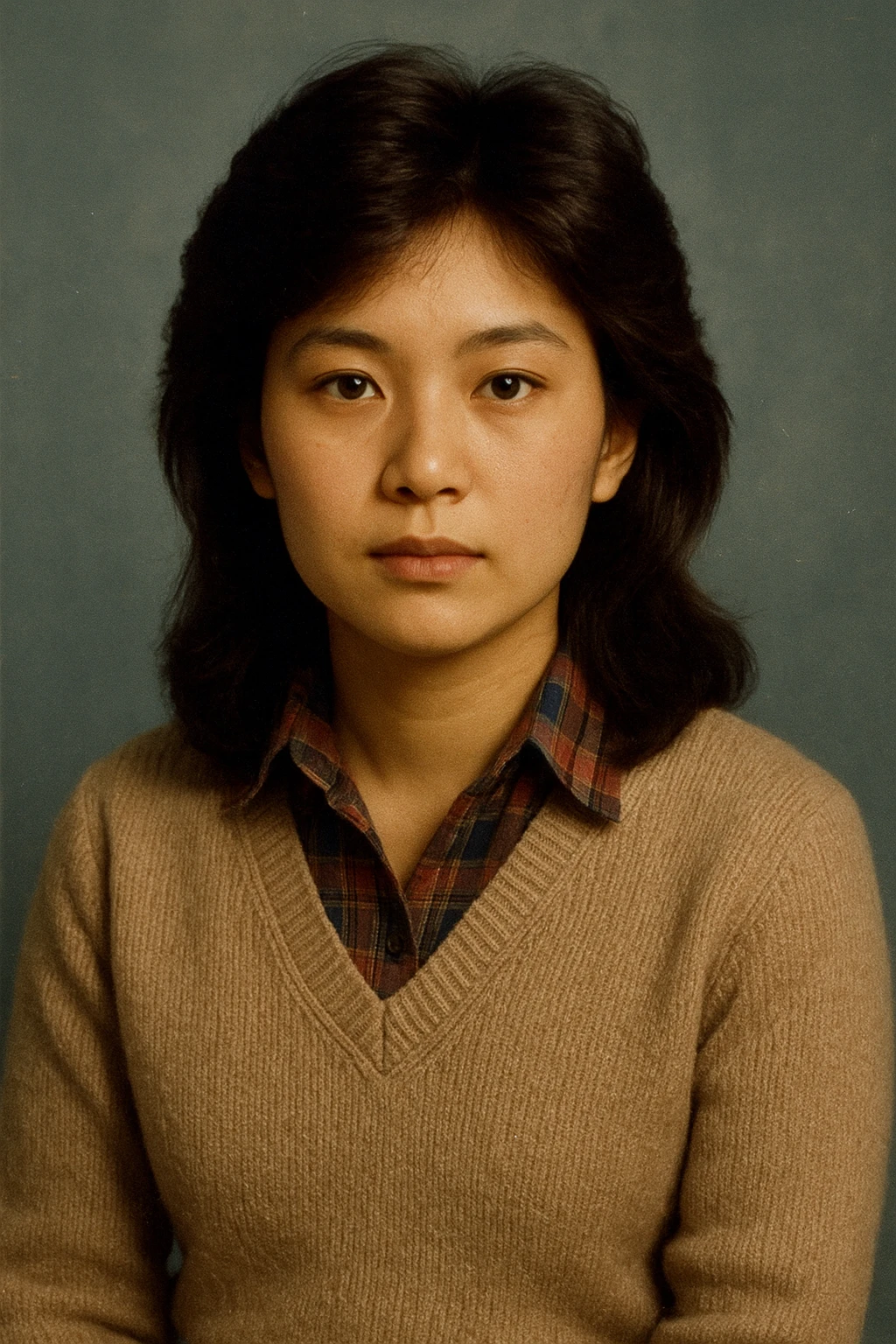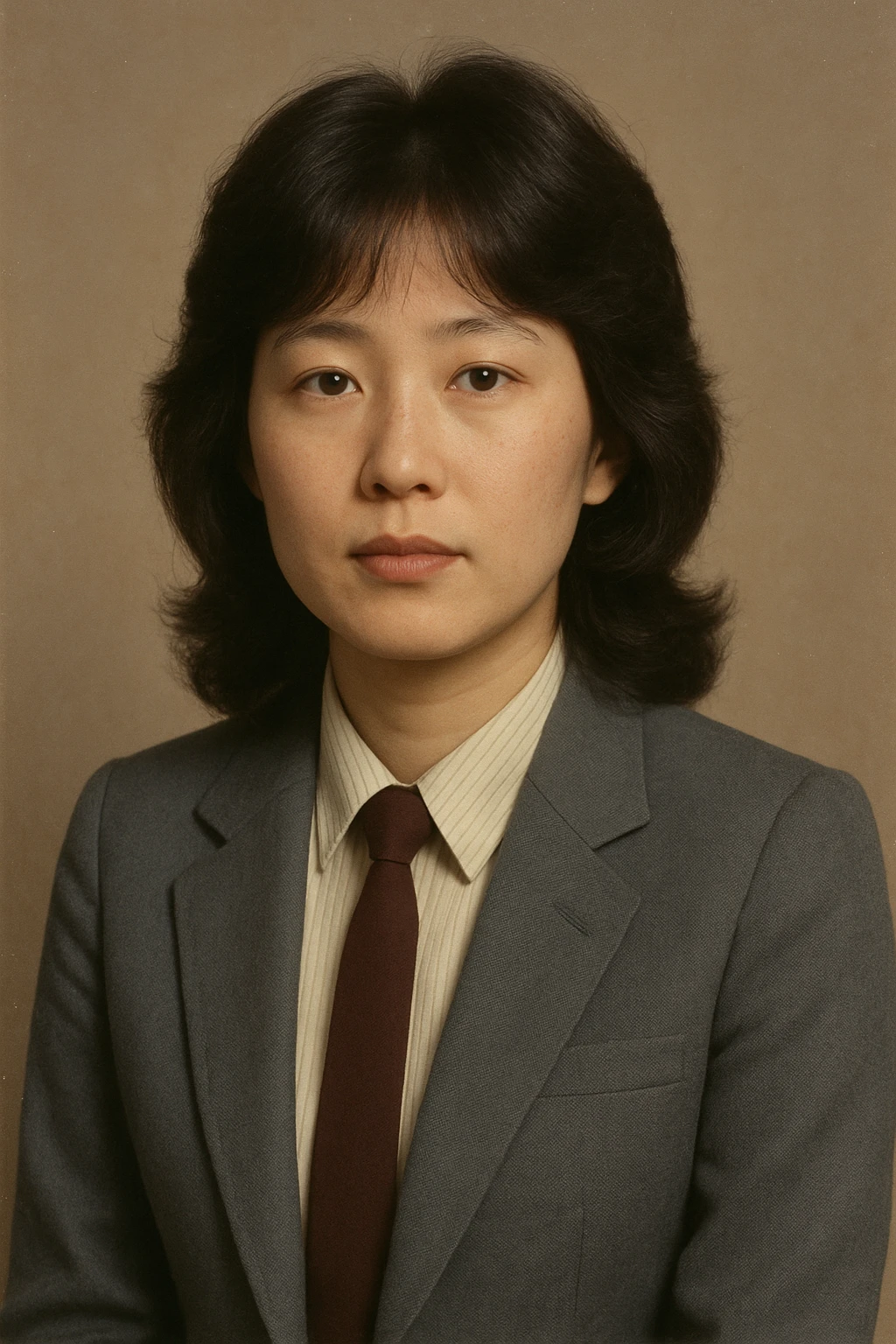
The Secret to Keeping Your Exact Face & Identity in 1980s AI Photos

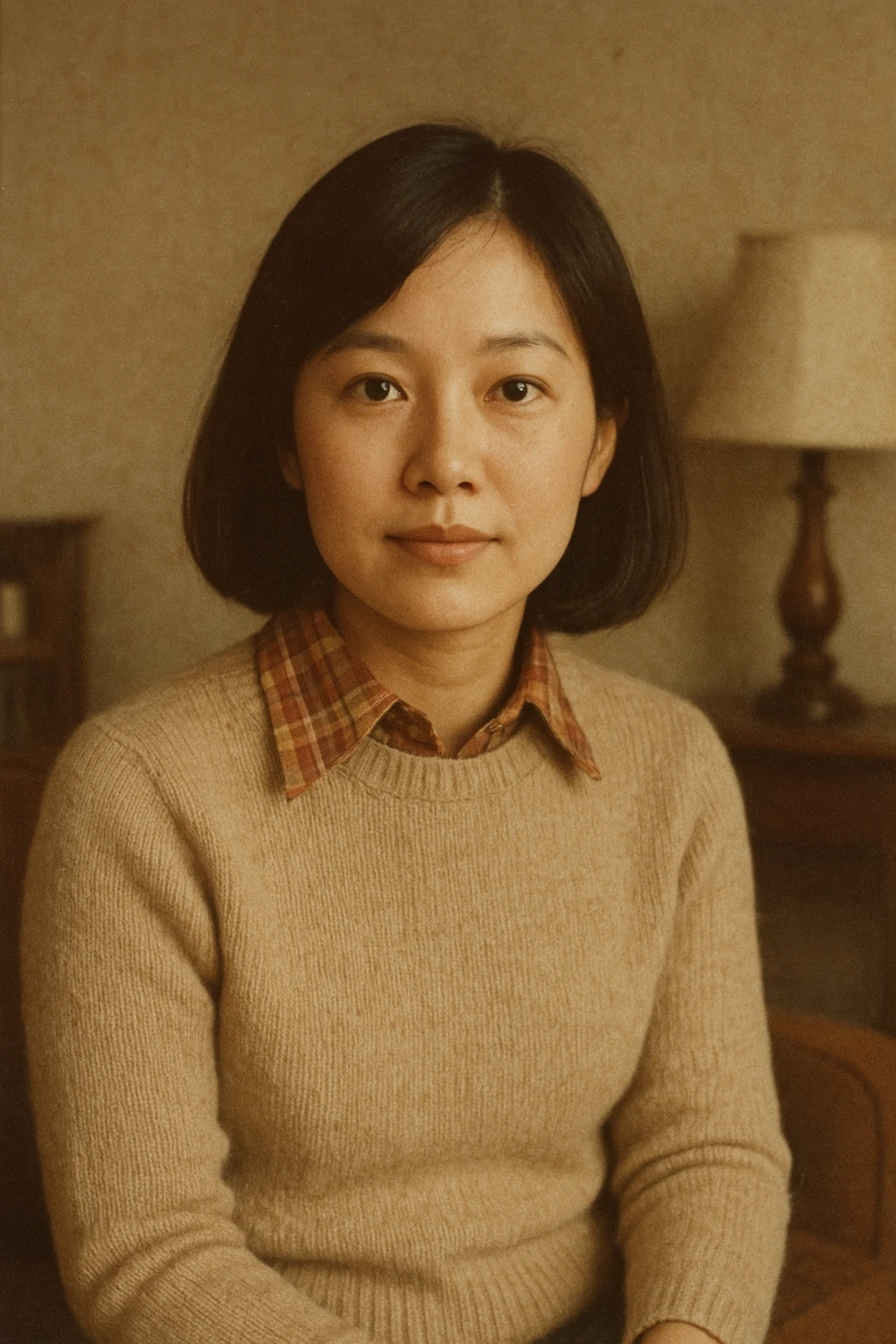
There is nothing more frustrating than uploading your favorite photo to an AI generator, typing a creative 1980s prompt, waiting 30 seconds, and discovering a portrait of a completely different stranger wearing an 80s denim jacket.
This problem (known in computer vision as identity drift or facial hallucination) is the number one complaint among users trying the viral 1980s photo trend.
In this deep dive, we explain the technical mechanics of why AI changes your face and how modern platforms like TrendX solve it completely.
The Technical Problem: Text-to-Image vs Image-to-Image
Most popular AI platforms (like vanilla ChatGPT Plus or generic avatar apps) operate on Text-to-Image diffusion models:
- When you type: "Turn me into an 80s college student," the text encoder interprets words like "student", "college", and "1980s" as dominant prompt tokens.
- The model samples latent noise and draws what it considers a 'statistically representative' 1980s face.
- Your uploaded photo is often only used as a weak semantic reference, leading to a synthetic face that shares zero biometric likeness with you.
The Solution: Direct Image-to-Image Conditioning
To preserve your face with 100% fidelity, the pipeline must enforce Direct Pixel & Feature Preservation:
- Biometric Landmark Pinning: Key spatial vectors (the distance between your pupils, the width of your nasal bridge, the curvature of your jawline, and the fullness of your lips) must remain strictly locked in the diffusion latent space.
- Selective Masking: The AI is instructed to modify only the peripheral elements:
- Replacing modern t-shirts with 1980s jackets and knitwear.
- Adding hair volume and period textures around the crown while keeping the facial contour untouched.
- Applying analog film grain and color grading to the skin without altering underlying bone structure.
4 Pro Tips for Perfect Likeness on Any Photo
To get the absolute best results when generating your retro portrait:
1. Choose a Neutral Camera Lens Perspective
Smartphone wide-angle lenses (like the 1x 24mm main lens held close to the face) create subtle fisheye distortion. Step back and take your photo with 2x or 3x optical zoom, or crop an eye-level portrait taken from 4–5 feet away.
2. Keep Expressions Natural
Extreme grins, winking, or tongue-out poses distort facial landmarks. A subtle, natural smile or calm confident gaze ensures the AI maps your features flawlessly.
3. Provide High Contrast Between Subject and Background
A clean background helps the image segmentation engine isolate your silhouette cleanly, preventing background artifacts from bleeding into your hair.
4. Use TrendX for Dedicated Identity Locking
At TrendX, our generation pipeline is engineered specifically around identity preservation:
- We pass your original photo directly into high-fidelity image-to-image endpoints.
- Our conditioning engine places facial recognizability at the very top of the stack.
- The result is unmistakably you, transported back 40 years into the past.
Written by Saurabh Kumar
CreatorCreator of TrendX.fun, Explayner.video, and ZoopTool.com
Connect on LinkedInFrequently Asked Questions
Why does ChatGPT or DALL-E change my face when making an 80s photo?
Standard text-to-image models prioritize prompt adherence over pixel-level face preservation. Unless an application uses direct image-to-image conditioning (like OpenAI's /v1/images/edits), the AI will imagine a new face matching the prompt description.
What is the best way to ensure maximum facial likeness?
Use an eye-level, well-lit portrait photo without obstructions, select specialized tools like TrendX that use direct image editing pipelines, and avoid conflicting beauty filters.