Flow Effect: Create Silky Pixel-Stretch Liquid Ribbons & Fluid Energy Waves

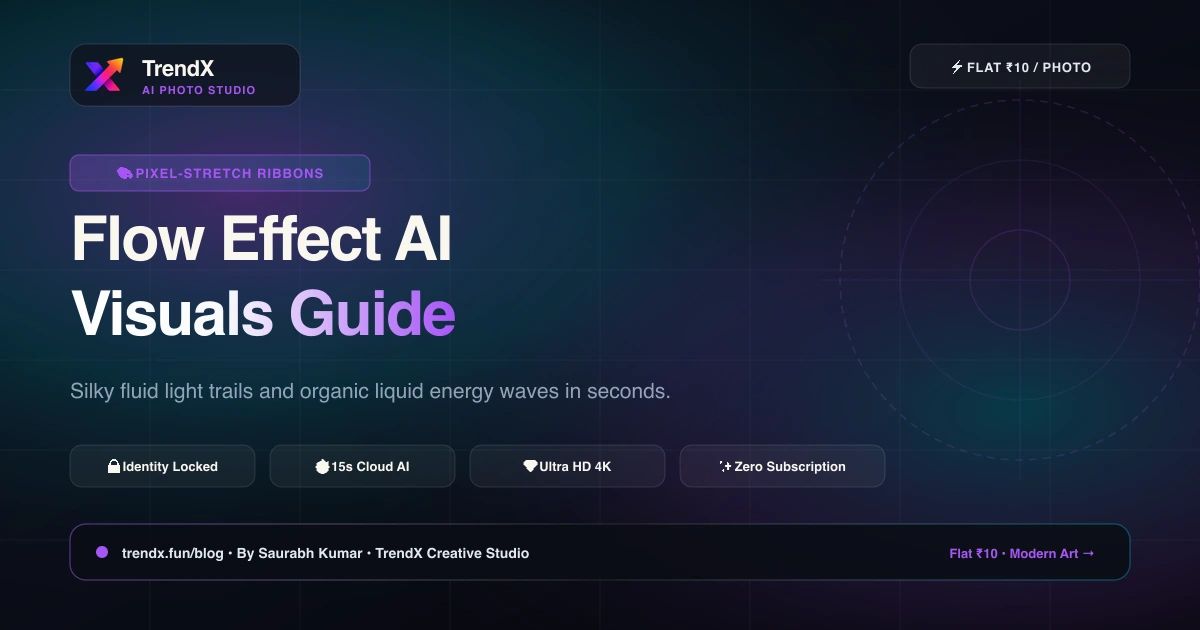
In contemporary album artwork, Spotify canvases, and high-concept streetwear campaigns, the pixel-stretch fluid motion effect is everywhere. It represents speed, creative momentum, and digital fluidity.
With the TrendX Flow Effect, you don't need hours of manual masking and liquid warp tools. Our AI extracts color palettes directly from your outfit and surroundings, weaving them into hypnotic, silky 3D ribbons of light that curve organically around you.
Why the Flow Effect Captivates Viewers
- Dynamic Motion Energy: Takes static standing poses and infuses them with sweeping cinematic momentum.
- Palette Harmony: The flowing ribbons borrow their hues directly from your clothing, jewelry, or background for perfect chromatic balance.
- Sharp Focal Point: The human subject remains needle-sharp, contrasting with the silky motion-blurred fluid streams.
Try the TrendX Flow Effect now!
Written by Saurabh Kumar
CreatorCreator of TrendX.fun, Explayner.video, and ZoopTool.com
Connect on LinkedInFrequently Asked Questions
What is the pixel-stretch aesthetic?
Pixel stretching originated as an advanced Photoshop technique where single rows of pixels from a subject's clothing or environment are extended outward in smooth, dynamic curves. TrendX uses AI to turn this concept into silky, 3D fluid light ribbons with realistic reflections.